nvda · GitHub
nvda on GitHub
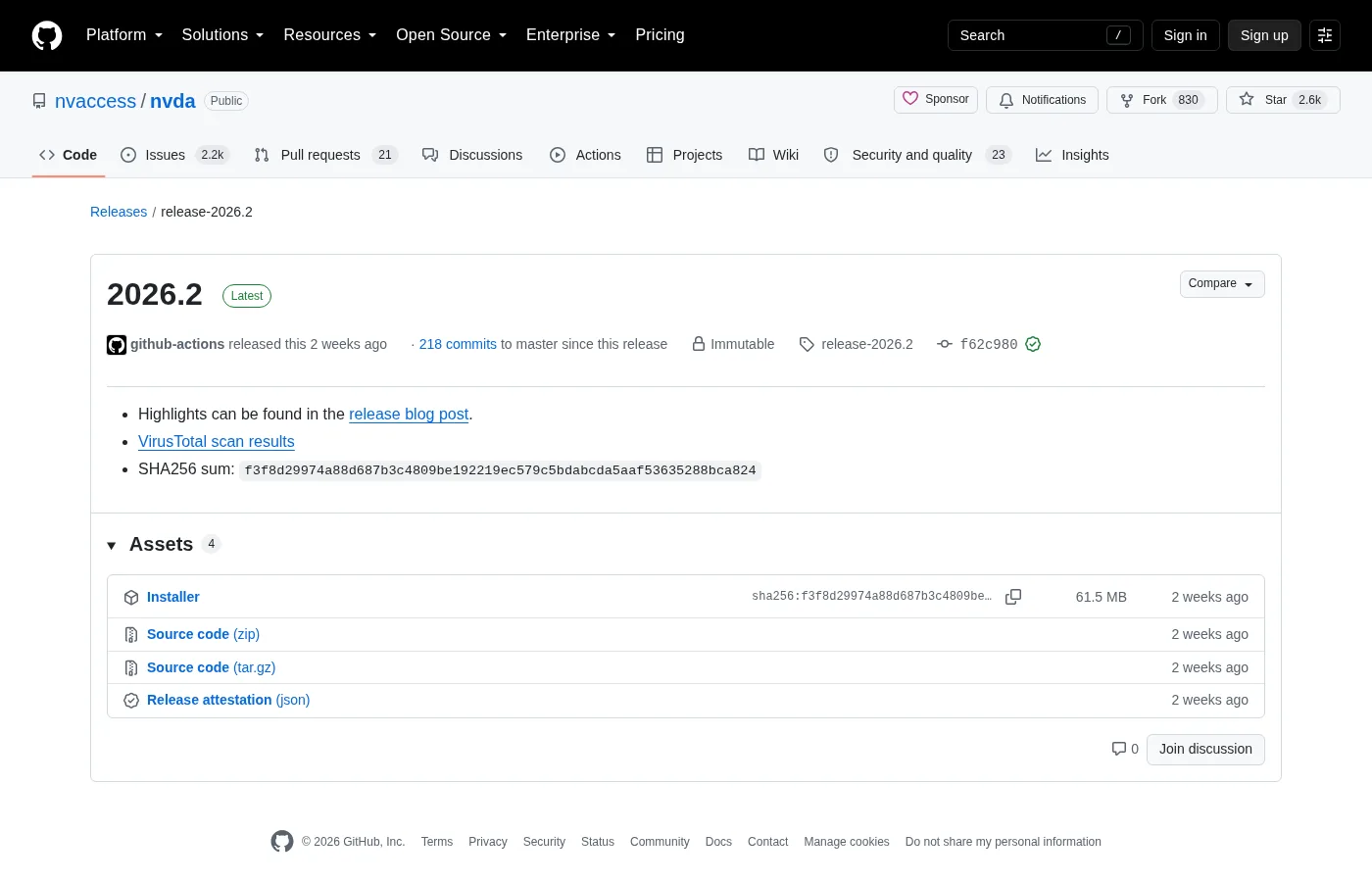
The official repository for the product is nvaccess/nvda. Releases publish the Windows installer you want for a local screen reader install.
Repository facts
| URL | github.com/nvaccess/nvda |
|---|---|
| Vendor | NV Access |
| Licence | GPL-2.0-or-later |
| Release prefix | release- for stable desktop builds |
| Primary Windows asset | nvda_*.exe |
| Security | Security policy |
Stars, forks, and the newest tag on Braille Quill pages come from gh.json at build time. Re-check the live repository when you need an audit trail for a lab image that pins nvda.
What lives in the monorepo-style tree
The repository holds the screen reader source, user documentation trees, launcher pieces, tests, and packaging helpers. Everyday installers do not need to compile anything. Contributors read projectDocs before proposing major changes.
If you only need speech on a Windows desk, stay on the Releases asset list. Building from source is a separate contributor path with its own toolchain documented upstream.
Clone only when you mean to build
Cloning is optional for install-guide readers. When you do clone, use HTTPS or SSH against nvaccess/nvda and follow upstream build documentation. Do not paste secrets into issues or pull requests.
git clone https://github.com/nvaccess/nvda.gitAfter a clone, you still have not installed the screen reader for daily use. Download nvda_*.exe or use winget for the runtime path Braille Quill pages documents.
Issues and support boundaries
GitHub Issues track defects and feature work for the project. End-user support also routes through NV Access community channels listed on nvaccess.org. Do not publish personal documents or API keys in public tickets.
When a download fails, confirm you are still on nvaccess/nvda rather than a fork that republishes old installers. Forks can lag or alter packaging in ways Braille Quill pages does not map.
Signing and trust notes
The repository README thanks SignPath for code signing support on many open-source projects including NVDA. Treat that as an upstream acknowledgement, then still verify you downloaded from the official Releases URL for the screen reader filename.
Related: releases, download safely, is it safe, Windows install.
How Braille Quill pages uses the repo
Braille Quill reads release metadata to keep the install panel current. Official downloads remain on GitHub and the vendor site. Every direct file link points at GitHub Releases or the vendor download door. Winget id NVAccess.NVDA is verified separately against microsoft/winget-pkgs.
If GitHub is unreachable on a locked network, use a previously vetted offline copy of nvda_*.exe that your organisation already hashed. Do not fall back to a random search advertisement claiming to mirror nvda.
Reading release notes
Each release-* tag carries notes about speech engines, braille drivers, and breaking changes. Skim those notes before you push a lab-wide release bump. A speech synthesizer change can confuse students even when the installer filename looks familiar.
Link the release notes URL on the change ticket beside the exe name. That habit keeps support staff aligned when someone asks why a braille display behaves differently after the update.
Contributors who build from source should still test the official exe on a clean Windows VM before declaring a regression fixed for everyday nvda users.
Documentation habits
Keep a short plain-text note beside the installer door: OS version, nvda tag or winget id, and whether the copy is installed or portable. That note survives staff turnover better than chat lore. When speech misbehaves after a Windows cumulative update, the note tells you whether to repair nvda or roll back the OS change first.
Students and volunteers can follow the same note format. Consistency matters more than perfect prose. A boring checklist beats a clever paragraph that nobody re-reads during an outage of the screen reader path.
If you publish internal wiki pages, link back to GitHub Releases and nvaccess.org rather than hosting a private mirror of the exe. Mirrors drift. Official doors get security fixes first.
Operational notes for busy weeks
Imaging weeks fail when two technicians use different download doors. Agree on GitHub Releases or winget before the first machine is touched. Put the choice in the shared checklist rather than a chat thread that scrolls away.
Speech complaints often trace back to muted mixers, HDMI audio on a dark display, or Narrator still running. Check those three items before you reinstall the screen reader. Reinstalls without diagnosis waste the afternoon.
Keep headphones labelled for training rooms. Shared earpads get lost. A simple bin with spare cables prevents cancelled accessibility demos when hardware goes missing five minutes before class.
After cumulative Windows updates, re-prove a short reading task on the golden image. Feature updates can change audio defaults. A five-minute check is cheaper than a Monday morning pile of tickets.
Document braille display inventory with serial numbers when your organisation owns the hardware. Software settings alone cannot fix a failing cell. Separate hardware tickets from software tickets so the right person responds first.