nvda · Migrate
Move off JAWS to nvda
You can move from JAWS to nvda by installing NVDA from an official Windows door, practising the new modifier key, and only then removing JAWS once daily tasks speak correctly.
What does not transfer
JAWS settings, scripts, and trained muscle memory do not magically import into the client. Plan on remapping habits. Treat the move as a skills transition plus an installer change for the Windows path.
| Item | JAWS | nvda expectation |
|---|---|---|
| Licence | Commercial | GPL free runtime |
| Settings | JAWS configuration | Rebuild in NVDA settings |
| Scripts / customisations | JAWS scripts | Revisit as NVDA add-ons if equivalents exist |
| Training materials | Vendor courses | NV Access user guide + community |
Export and import reality
There is no universal one-click JAWS-to-NVDA settings import documented for everyday users. Export any personal notes you keep outside the screen reader, then install nvda cleanly. Rebuild speech rate, punctuation, and braille display choices inside NVDA.
If your organisation depends on JAWS-specific scripts, inventory those scripts before you uninstall anything. Some workflows may need to stay on JAWS until equivalents exist.
Install nvda beside JAWS
Install NVDA with winget or nvda_*.exe. Keep JAWS available for a week of parallel use if licensing allows. Start NVDA for practice sessions and exit JAWS speech during those sessions so you can hear one voice.
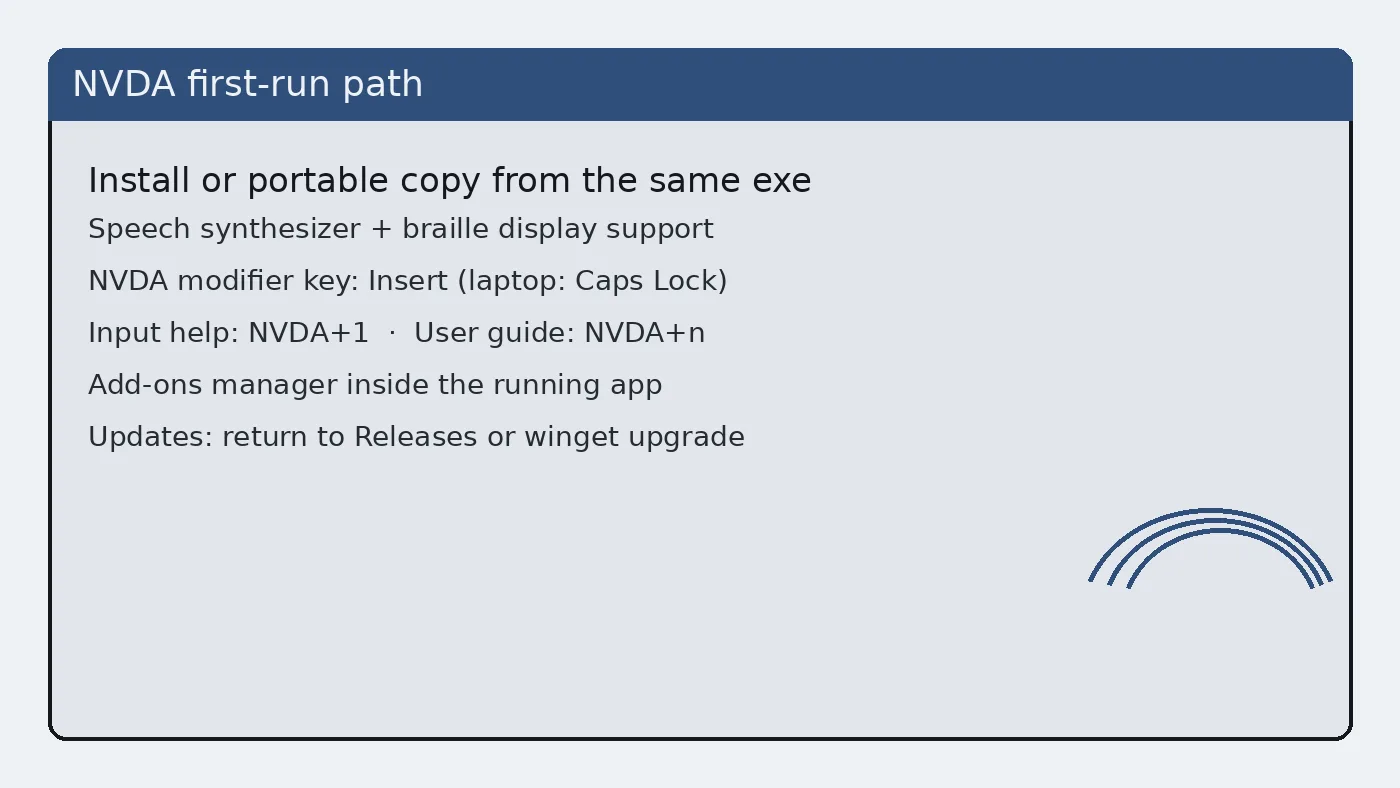
Guides: Windows install, first run, speech settings.
After-import checklist
- Speech tracks focus in File Explorer
- Browser reading works on a simple page
- Email client navigation is tolerable
- Braille display works if you use one
- Update door is written on the ticket
Only after that checklist passes should you remove JAWS from a machine that must stay productive for the transition.
Workplace politics
Some workplaces standardise on JAWS for support contracts. An individual move to nvda may still be allowed on a personal workstation. Confirm policy before you uninstall a licensed seat that your helpdesk expects to support.
When policy requires JAWS, you can still learn nvda on a home PC. Skills transfer partially even when the workplace image stays commercial.
Fallback plan
Keep an installation medium or winget command available so you can restore nvda quickly after a reimage. Keep Narrator knowledge as a zero-install emergency path on Windows when no third-party screen reader is present.
Related: vs Narrator, update uninstall, safety.
Documentation habits
Keep a short plain-text note beside the installer door: OS version, nvda tag or winget id, and whether the copy is installed or portable. That note survives staff turnover better than chat lore. When speech misbehaves after a Windows cumulative update, the note tells you whether to repair nvda or roll back the OS change first.
Students and volunteers can follow the same note format. Consistency matters more than perfect prose. A boring checklist beats a clever paragraph that nobody re-reads during an outage of the screen reader path.
If you publish internal wiki pages, link back to GitHub Releases and nvaccess.org rather than hosting a private mirror of the exe. Mirrors drift. Official doors get security fixes first.
One more pass before you leave the desk
Repeat a short reading task after reboot. Some speech issues only appear after logon scripts run. If nvda starts too late, adjust startup options in NVDA preferences and retest on a clean logon for this Windows account.
Keep the official Releases URL in your browser bookmarks bar under a boring name like NVDA stable. Clever nickname folders get lost during profile resets.
Operational notes for busy weeks
Imaging weeks fail when two technicians use different download doors. Agree on GitHub Releases or winget before the first machine is touched. Put the choice in the shared checklist rather than a chat thread that scrolls away.
Speech complaints often trace back to muted mixers, HDMI audio on a dark display, or Narrator still running. Check those three items before you reinstall the screen reader. Reinstalls without diagnosis waste the afternoon.
Keep headphones labelled for training rooms. Shared earpads get lost. A simple bin with spare cables prevents cancelled accessibility demos when hardware goes missing five minutes before class.
After cumulative Windows updates, re-prove a short reading task on the golden image. Feature updates can change audio defaults. A five-minute check is cheaper than a Monday morning pile of tickets.
Document braille display inventory with serial numbers when your organisation owns the hardware. Software settings alone cannot fix a failing cell. Separate hardware tickets from software tickets so the right person responds first.