nvda · Winget
How to install winget for nvda
Winget installs nvda when App Installer is present on Windows. Install or update App Installer from Microsoft, open a new Terminal, then run winget id NVAccess.NVDA. If winget stays missing, use the official nvda_*.exe instead.
Confirm App Installer
Windows 10 version 1809 or later and Windows 11 usually ship App Installer, which provides the winget command. Open Windows Terminal or PowerShell and type winget --version. If the command resolves, you can install nvda with the verified package id.
If the command is missing, install App Installer from Microsoft, sign out or reboot if prompted, then open a new terminal window before you retry.
Run the screen reader winget id
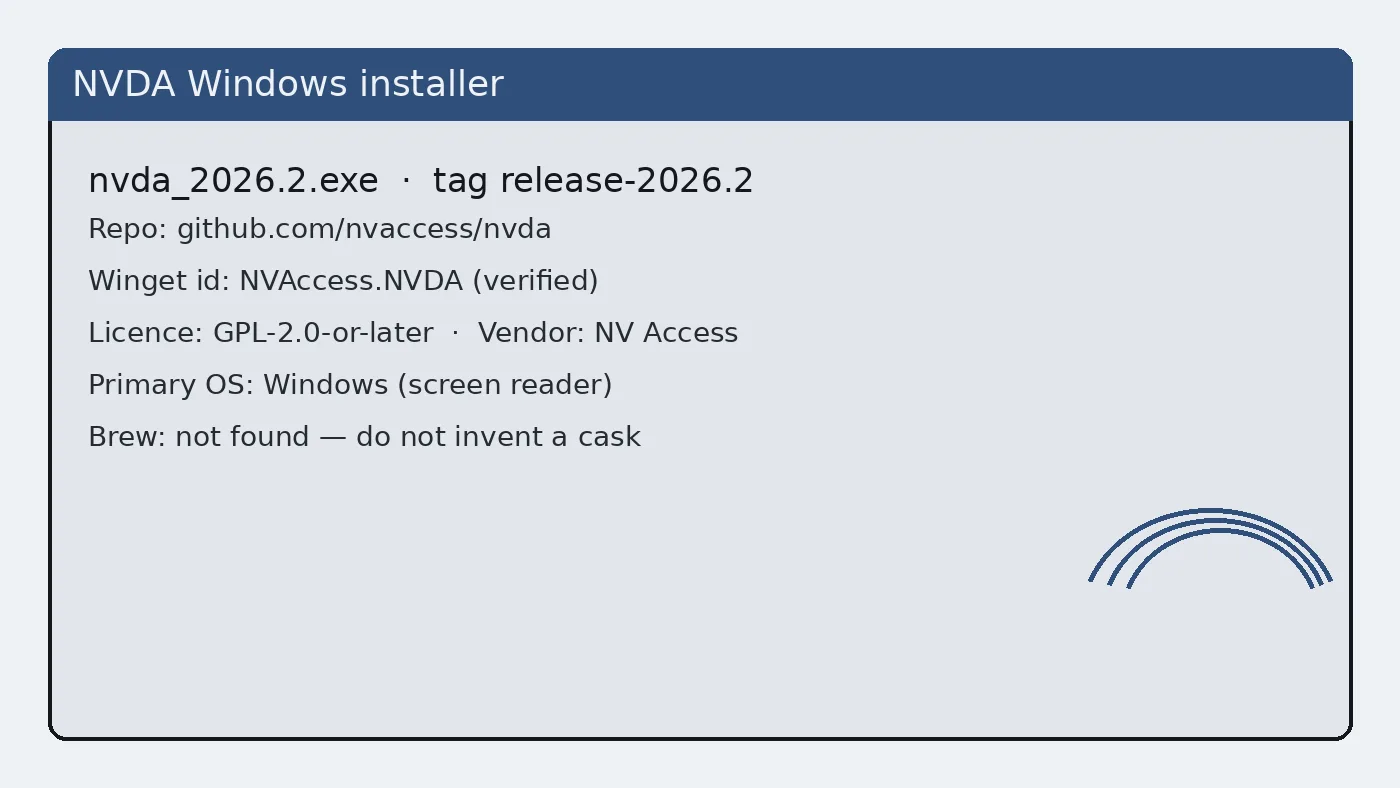
The verified package identifier in microsoft/winget-pkgs is NVAccess.NVDA. Use the exact command below so the catalog resolves the NV Access screen reader rather than a similarly named utility.
winget install -e --id NVAccess.NVDAThe -e flag requires an exact id match. After the install finishes, launch NVDA from the Start menu and confirm speech before you change voices.
When winget is blocked
Locked-down PCs may disable package managers. Take nvda_*.exe from nvaccess.org/download or GitHub Releases instead. Related: nvda winget guide, Windows install, download safe.
Keep the two doors straight
Confirm the Windows path before you change speech defaults. Winget id NVAccess.NVDA and the official nvda_*.exe name pattern are the two anchors. If a page or mirror asks you to run a renamed helper first, stop and return to nvaccess.org or GitHub Releases.
After winget succeeds
Use Windows install when the command fails. Use download-safe when search results look noisy. Use releases when you need the file map. Use vs Narrator for a comparison that does not invent competitor prices. Use first hour right after the installer finishes.
Update and uninstall later
Update with winget upgrade NVAccess.NVDA when the catalog carries a newer build, or download a newer nvda_*.exe from the same official doors. Uninstall with Apps and features or winget uninstall NVAccess.NVDA when the package was installed through winget. Longer path: update uninstall.
Lab notes
When something fails, re-check App Installer, the package id NVAccess.NVDA, and the nvda_*.exe name pattern before you change unrelated Windows settings. That order solves most first-day confusion without downloading a second questionable copy for the Windows desk.
Write both doors on the machine ticket: winget NVAccess.NVDA and the Releases filename. Fleet images drift when one technician uses winget and another uses a portal mirror without recording which path landed on the image.
Exact id discipline
Search results inside winget can show similarly spelled packages. Always prefer -e --id NVAccess.NVDA for the product. If a search hit points elsewhere, stop and re-read the id from microsoft/winget-pkgs or from these pages.
After install, winget list NVAccess.NVDA helps confirm the package is present. That check is faster than guessing whether the Start menu shortcut came from a portal wrapper.
Documentation habits
Keep a short plain-text note beside the installer door: OS version, nvda tag or winget id, and whether the copy is installed or portable. That note survives staff turnover better than chat lore. When speech misbehaves after a Windows cumulative update, the note tells you whether to repair nvda or roll back the OS change first.
Students and volunteers can follow the same note format. Consistency matters more than perfect prose. A boring checklist beats a clever paragraph that nobody re-reads during an outage of the screen reader path.
If you publish internal wiki pages, link back to GitHub Releases and nvaccess.org rather than hosting a private mirror of the exe. Mirrors drift. Official doors get security fixes first.
Operational notes for busy weeks
Imaging weeks fail when two technicians use different download doors. Agree on GitHub Releases or winget before the first machine is touched. Put the choice in the shared checklist rather than a chat thread that scrolls away.
Speech complaints often trace back to muted mixers, HDMI audio on a dark display, or Narrator still running. Check those three items before you reinstall the screen reader. Reinstalls without diagnosis waste the afternoon.
Keep headphones labelled for training rooms. Shared earpads get lost. A simple bin with spare cables prevents cancelled accessibility demos when hardware goes missing five minutes before class.
After cumulative Windows updates, re-prove a short reading task on the golden image. Feature updates can change audio defaults. A five-minute check is cheaper than a Monday morning pile of tickets.
Document braille display inventory with serial numbers when your organisation owns the hardware. Software settings alone cannot fix a failing cell. Separate hardware tickets from software tickets so the right person responds first.